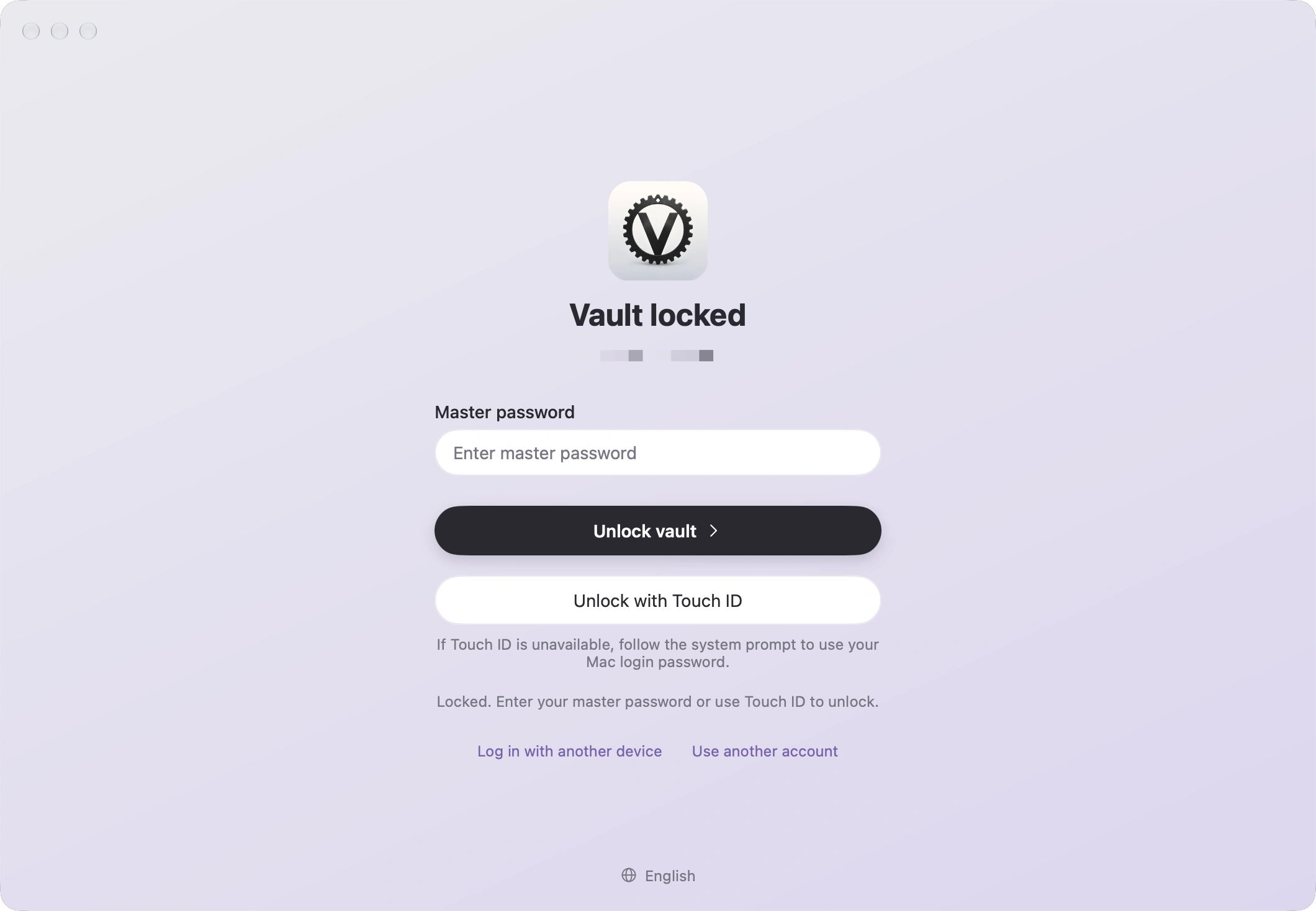
Touch ID 解锁Unlock with Touch ID
主密码或 Touch ID 解锁本机加密快照;锁屏、睡眠或空闲 15 分钟后自动锁定。Unlock the encrypted local snapshot with your master password or Touch ID. Locks on screen lock, sleep, or after 15 idle minutes.
 MyGo Vaultwarden
连接自托管的 Vaultwarden 服务器,用 Touch ID 解锁,在 Safari 中通过系统自动填充输入密码。 Connect to your self-hosted Vaultwarden, unlock with Touch ID, and fill passwords in Safari through system AutoFill.
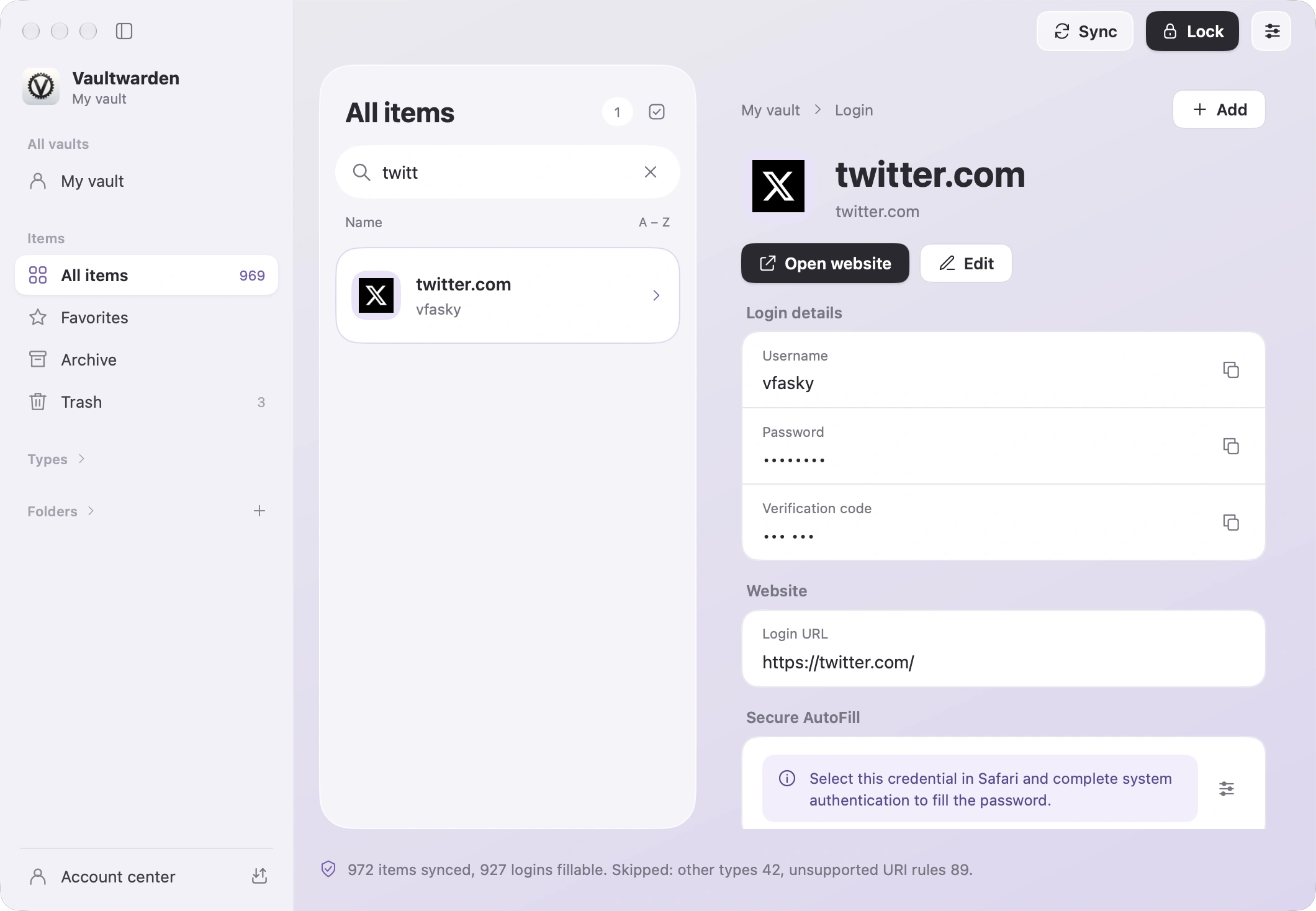
八种项目类型,完整的整理与搜索,一切都在原生三栏界面里。 Eight item types, full organization and search, all in a native three-pane window.
主密码或 Touch ID 解锁本机加密快照;锁屏、睡眠或空闲 15 分钟后自动锁定。Unlock the encrypted local snapshot with your master password or Touch ID. Locks on screen lock, sleep, or after 15 idle minutes.
在 Safari 中选择凭据,通过系统认证后填充;有验证码时可自动复制当前 TOTP。Pick a credential in Safari and fill after system authentication. The current TOTP code can be copied automatically.
文件夹、收藏、归档、回收站与批量操作,⌘F 即时搜索,并显示网站图标。Folders, favorites, archive, trash and bulk actions. Instant search with ⌘F and website icons.
使用 Bitwarden 兼容 JSON,在官方客户端与本应用之间自由迁移。Bitwarden-compatible JSON lets you move data freely between the official client and this app.
Send、设备登录与审批、两步验证、账号安全和紧急访问,集中在独立窗口。Send, device login and approval, two-step verification, account security and emergency access in a dedicated window.
界面支持简体中文与英文;更新包经 Ed25519 签名校验,应用内一键更新。Simplified Chinese and English UI. Updates are verified with Ed25519 signatures and install in one click.
使用 Go + MyGo Native UI 与 Swift/AppKit 构建,主窗口不使用 WebView,遵循 macOS 的窗口、菜单与快捷键习惯。 Built with Go + MyGo Native UI and Swift/AppKit. No WebView in the main window, and it follows macOS conventions for windows, menus and shortcuts.
完整源码以 GPL-3.0 开放,任何人都可以检查与验证。 The full source is open under GPL-3.0 so anyone can inspect and verify it.
应用只与你自己的 Vaultwarden 服务器同步;本机只保留加密快照。 The app syncs only with your own Vaultwarden server and keeps just an encrypted snapshot locally.
v0.1.3 · 需要 macOS 14 或更高版本,免费使用Requires macOS 14 or later · free
不确定?点击屏幕左上角 Apple 菜单 › 关于本机,“芯片”显示 Apple M 即选 Apple 芯片版。 Not sure? Open the Apple menu › About This Mac. If “Chip” says Apple M-something, choose Apple silicon.
正在加载…Loading…